AI Product Launch Videos: Structure, Pacing and Examples
· 6 min read · By the Eizoki team
A product launch video has one job: make someone understand what you built and want to try it, before they scroll away. AI video tools make it possible for a small team to produce launch films that used to need a studio, but they do not replace the structure that makes a launch video work. This guide covers that structure, the pacing, and where AI helps and where it does not.
What a launch video has to do
- Stop the scroll in the first two or three seconds.
- Show the product early. Viewers should see the real thing, not only atmosphere.
- Make one promise and support it with two or three moments, not a feature list.
- End on one action: the name, the URL, and what to do next.
A structure that works
Most strong launch films, whatever their length, move through the same beats. For a video of around 30 to 45 seconds:
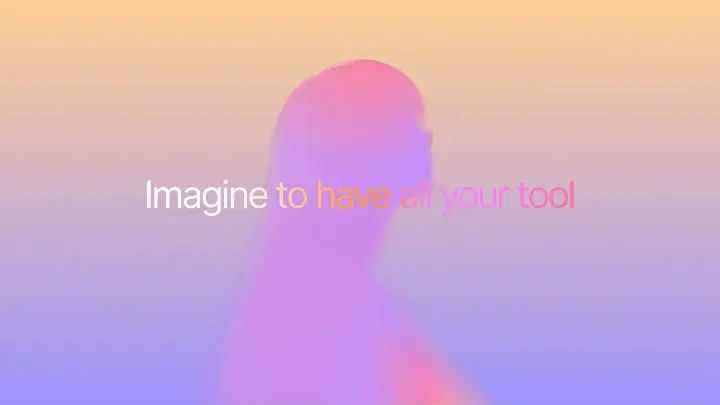
- Hook (first 2–3 seconds). A striking visual or a sharp line about the problem. This is where an AI-generated shot often earns its place.
- Promise. One sentence on screen or in voice-over: what changes for the viewer.
- Reveal. The product itself: real interface, real device, real packaging.
- Two or three moments. Each feature gets one shot and one idea. Cut before it outstays its welcome.
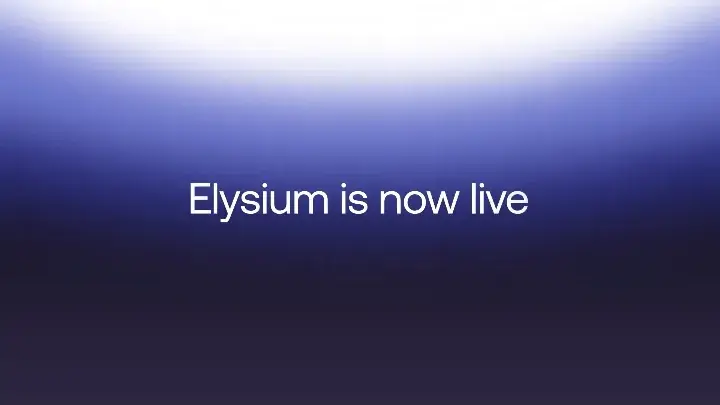
- End card. Logo, name, URL and call to action, held long enough to read.
Where AI video tools help
- Hooks and openers: an impossible camera move, a material transformation, a surreal image that makes people stop.
- Feature metaphors: “fast” or “secure” shown as motion rather than a bullet point.
- Transitions between the product and the world around it.
- Variations: alternate openers and formats for different platforms without reshooting.
Where to keep it real
- Your interface. Use real screen captures or real UI rebuilt in a motion tool, then frame them with AI shots. A generated interface rarely matches your product, and viewers notice. The UI motion collection shows how others animate real screens.
- Logos and type. Set them in your editor. Generated text is still unreliable.
- Claims. Anything you state about the product should be true of the product people will download.
Pacing and format
- Keep most shots short, roughly one to three seconds, and let the product reveal breathe a little longer.
- Cut to the music. A track with clear accents does half the pacing work for you.
- Plan your aspect ratios before you generate: 16:9 for websites and YouTube, 1:1 or 4:5 for feeds, 9:16 for vertical video. Generating in the right ratio beats cropping later.
- Assume many people watch without sound. Put the promise on screen.
A simple production checklist
- Write the one-sentence promise and the end-card action.
- List the beats and the shot for each, with its length.
- Collect references, ideally from launch films you admire.
- Generate the AI shots, using one consistent style block in every prompt. Our prompt guide explains how.
- Capture the real product footage.
- Edit to music, add type and the end card, then export per platform.
When you find a launch video on Eizoki whose structure fits yours, the Copy prompt button gives you its prompt as a template together with the reference video, ready to adapt to your own product. Browse all product launch videos to find one.